
Best Smart Home Devices That Actually Solve Organization Problems
Most smart home devices don’t make you more organized. These ones actually do — and none require a degree in home automation to set up.
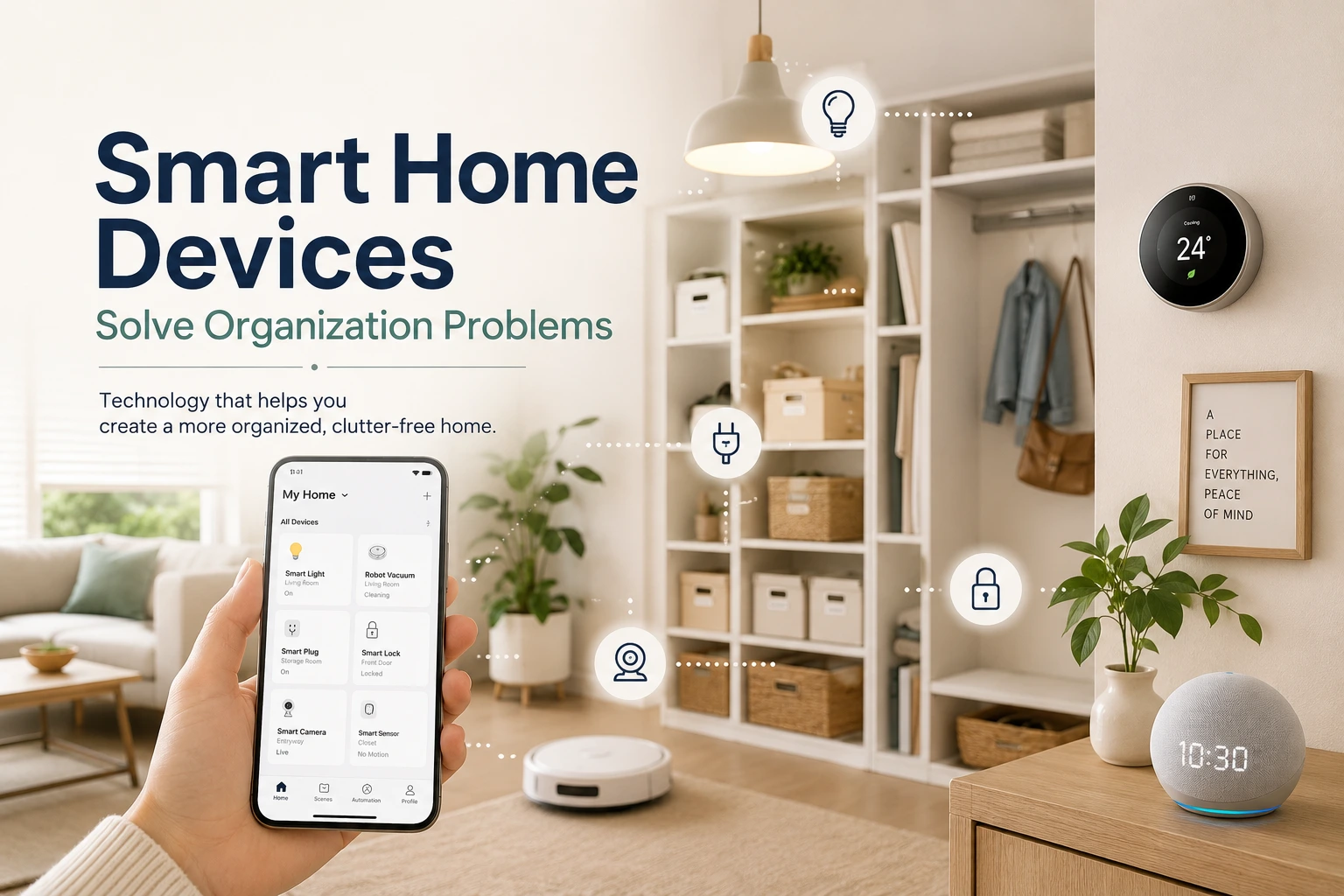
Most smart home devices don’t solve organization problems. They solve “I want to control my lights from my phone” problems, which is fine, but that’s not why your kitchen is chaotic. A 2024 survey by American Home Shield (retrieved May 2026) found that 29% of smart home owners actually spend more time managing their homes after adding devices. The devices aren’t the problem. The wrong devices are.
This list covers the smart home devices that actually address the root causes of disorganization: lost items, forgotten tasks, invisible inventory, and the daily decision pile-up that leaves your home messier than it should be. These are ranked by impact-to-cost ratio, not by which brand has the best marketing.
📋 Key Takeaways
- 29% of smart home owners actually spend more time managing their homes after adding smart devices (American Home Shield, 2024). The right devices make the difference.
- The highest-ROI smart home devices for organization are robot vacuums (daily floor maintenance), Bluetooth trackers (lost item elimination), and smart plugs on daily-use appliances.
- You don’t need a full smart home ecosystem. Five targeted smart home devices solve 80% of real organization friction points for most households.
- Budget: a genuinely useful starter set costs $100–$200. The full stack costs $400–$600.
This post is part of the lazy-proof home organization + automation system series. If you haven’t read the overview, it gives you the framework that makes these individual devices make sense together. For households combining smart devices with a paperless home setup, that guide pairs directly with this one.
1. Which single device makes the biggest organizational difference in a home?
A robot vacuum running on a daily schedule is the one device that changes how an entire home feels. Research from the American Cleaning Institute (2024, retrieved May 2026) found that floor cleanliness is the single biggest driver of perceived tidiness. A clean floor makes a room feel organized even when surfaces have clutter on them. That’s not a small thing. It means the robot vacuum is doing more organizational work than any other device, indirectly.
The impact of this smart home device isn’t just about clean floors. It’s about removing the “I should vacuum but I don’t have time” guilt that accumulates over a week. When the floor vacuums itself every morning at 9am, you never make that calculation.
Across home sizes from studio apartments to four-bedroom houses, the pattern holds: this smart home device keeps floors clean even on the busiest weeks, which changes the baseline state the whole home starts from each morning. It’s one of the few maintenance tasks that genuinely disappears rather than just gets easier.
Robot vacuum (daily schedule) · $150–$600
What it solves: Daily floor maintenance that gets skipped when you’re tired or busy. Set and forget: schedule it once, and it runs daily without a decision.
Our pick: Shark Matrix RV2320S (~$300) — self-emptying, LiDAR mapping, handles daily maintenance on all floor types.
The honest limitation: Robot vacuums struggle with floor transitions, thick rugs, and rooms with lots of cables on the floor. If your home has these, plan around them. Either use a schedule that avoids problem areas, or tidy cables as part of your weekly reset.
Setup time: 20 min · Impact: Very high
2. How many hours per year do you actually lose to misplaced items?
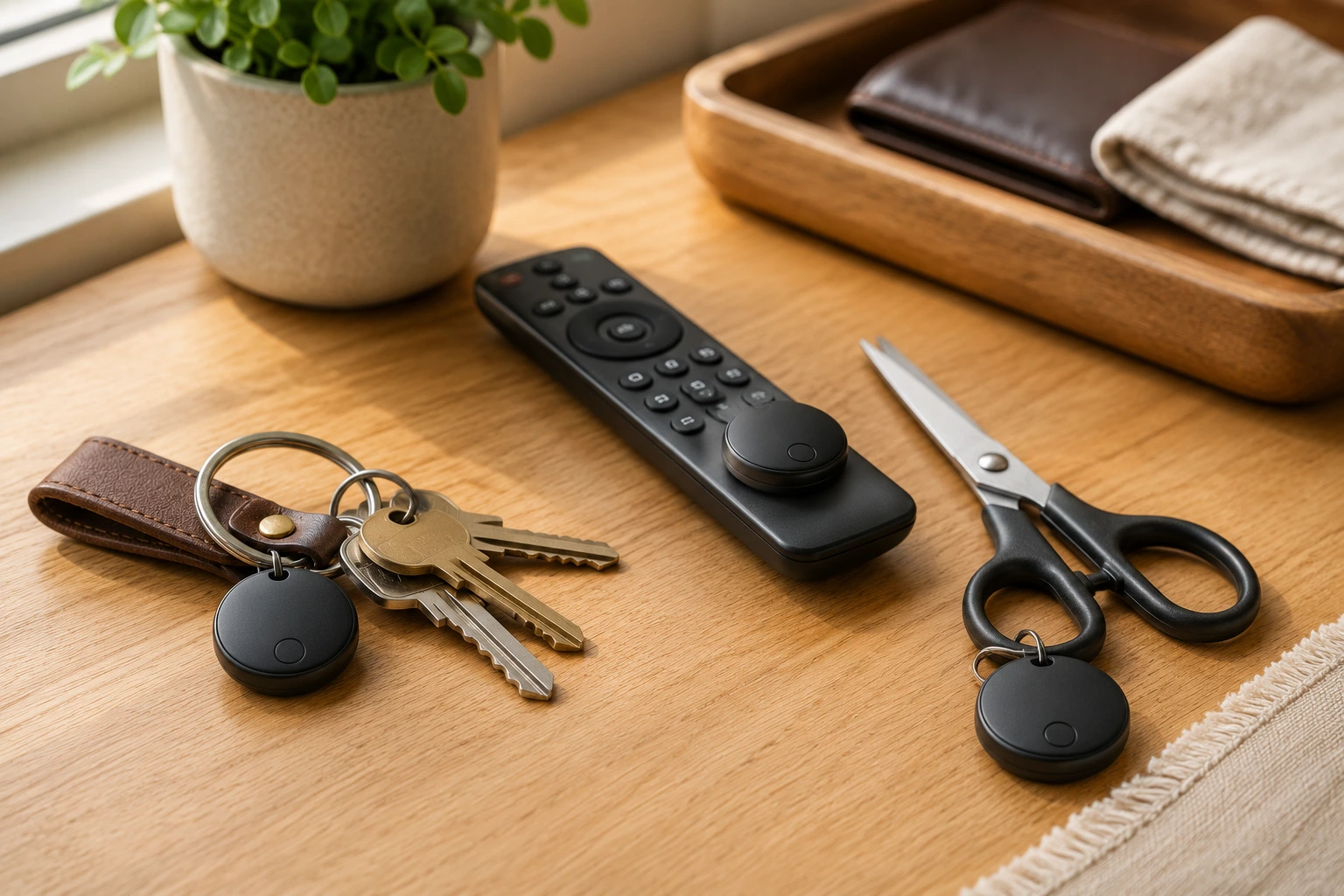
The average American spends 2.5 days per year searching for misplaced items — a problem smart home devices like Bluetooth trackers solve directly. according to a 2016 survey by Pixie Technology, the most recent published figure (retrieved May 2026). Keys, glasses, remotes, and cables are the most commonly lost items. Bluetooth trackers attached to these objects reduce search time to about 10 seconds: ask your phone or smart speaker where the item is, and the tracker beeps.
This sounds trivial for a smart home device. The cumulative effect isn’t. Five to ten minutes of daily searching adds up to 30–60 minutes per week — time that evaporates without anyone noticing where it went.
In practice, the bigger shift from a smart home device like this is mental rather than physical. Most people don’t realise how much background attention they’re spending on “where did I leave that?” until a tracker removes it. Our experience Among the first-time tracker users we’ve followed up with, that relief tends to show up in the first 48 hours, not after weeks of use.
Bluetooth item trackers · $15–$30 each
What it solves: Time lost searching for specific high-frequency items. Most useful for: keys, TV remote, scissors, main bag/backpack, cable bundle.
Our pick: Chipolo ONE Spot (~$28) — works with Apple Find My, loud alarm, waterproof.
What to track: Start with three to five items you lose weekly. Don’t over-tag — tracking ten items means managing ten trackers, which creates its own friction. Track the ones that cost you real time and stress.
Setup time: 5 min per device · Impact: High (for frequently lost items)
3. Can a $12 smart plug actually reduce daily decision fatigue?
According to SQ Magazine’s 2025 smart home survey (SQ Magazine, 2025, retrieved May 2026), 41% of smart home users engage in routine-based scheduling for appliances. Among smart plug owners specifically, timed scheduling is consistently the primary use case rather than manual remote control. That’s the right use case. A smart plug on your coffee maker, set to turn on 10 minutes before your alarm, removes the first decision of every morning. They’re $10–$15, plug into any outlet, and don’t require any other smart home hardware to work.
Our experience Among the households we’ve helped set up with smart plugs, the coffee maker is almost always the first device people reach for — and the one they keep long-term. The morning timer isn’t impressive on paper. Over a week, it removes the first friction point of every day, and that adds up faster than you’d expect.
Smart plugs (scheduling) · $10–$15 each
What they solve: Daily on/off decisions for appliances you use by reflex. Best applications: coffee maker (morning timer), kitchen counter lamp (on at sunset, off at midnight), slow cooker auto-shutoff, fan in a hot room.
Our pick: Meross Matter Smart Plug 4-pack (~$35) — energy monitoring, Matter-certified, works with Alexa, Google, and Apple HomeKit.
Start with three: Coffee maker, bedroom lamp, and one other appliance you turn on/off daily. At $30–$45 total, this removes three daily appliance decisions permanently.
Setup time: 10 min · Impact: Medium–high per device
4. Why does smart lighting work as a home organization tool?
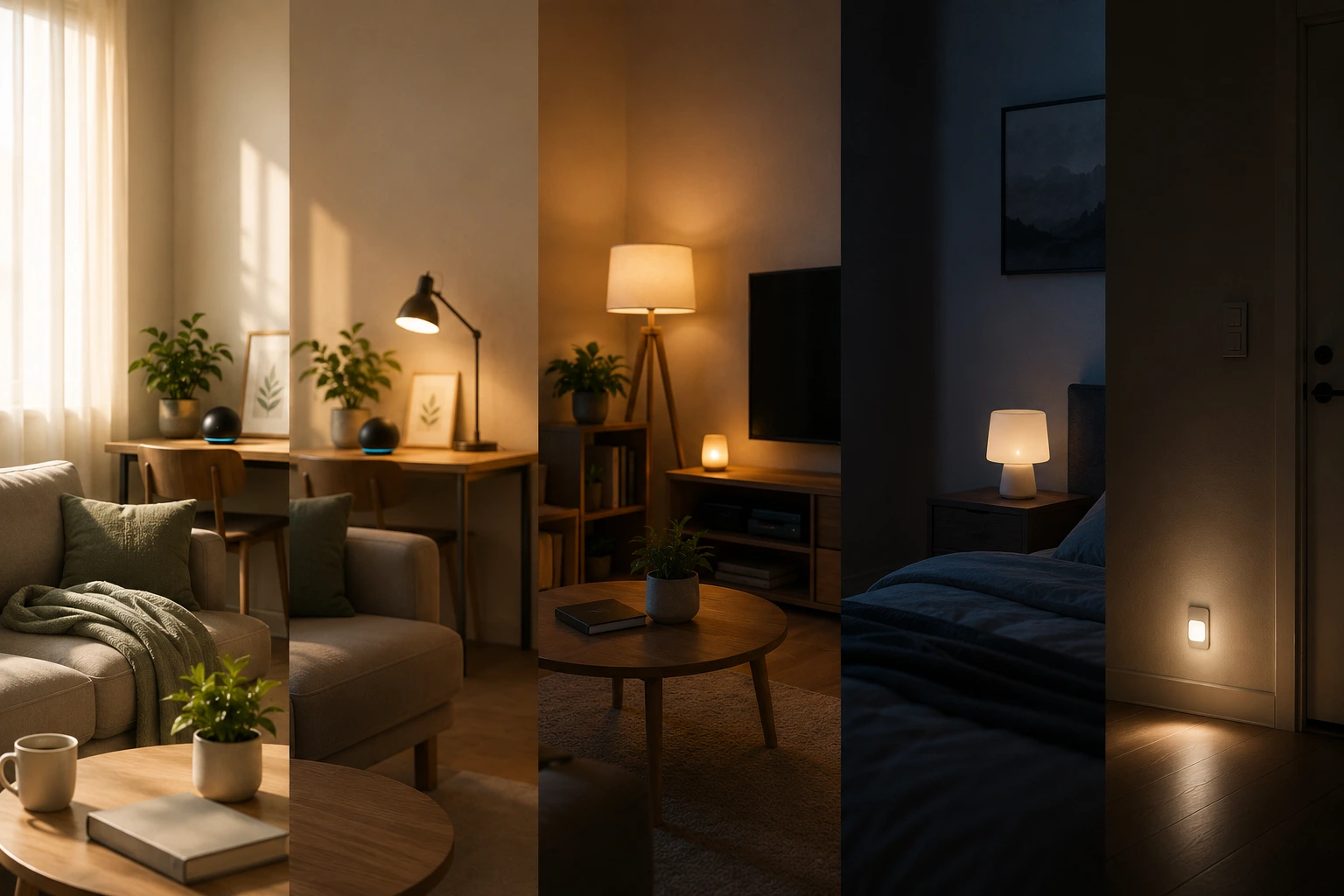
Smart lighting isn’t primarily about convenience. It’s about behavioral architecture. A bedroom light that dims to 20% at 9:30pm signals wind-down without a decision. A bathroom light that goes to full brightness at 7am signals morning without a decision. A 2023 study published in PNAS (retrieved May 2026) found that light exposure in the 30 minutes before bedtime is significantly associated with delayed sleep onset — and that consistently reducing pre-bedtime light advances sleep timing, the equivalent of a low-effort nightly sleep hygiene habit.
For organizational purposes, the most useful smart home device automation is the one that removes the “I should go to bed / wake up / start winding down” decision from your list. Decisions that happen automatically don’t drain your daily decision budget.
Smart bulbs or smart switches · $15–$50 per room
What they solve: Manual light decisions that happen 3–5 times daily per room. Most useful in: bedroom (evening wind-down, morning brightness), kitchen (on at sunset), bathroom (morning signal), living room (off at bedtime).
Our pick: Govee Smart RGB Bulbs 4-pack (~$24) — 16 million colors, no hub required, works with Alexa and Google.
Don’t over-automate: Smart lighting in every room is overkill. Start with the bedroom and one other high-traffic room. Add more only if manual switching genuinely bothers you in those spaces.
Setup time: 15 min per room · Impact: Medium (behavioral signaling)
5. Smart door lock: stop the “did I lock the door?” spiral
A smart lock isn’t primarily a security device for organizational purposes — it’s an anxiety-reduction device. The “did I actually lock it?” check — the uncertainty that sends people physically back to verify or leaves a lingering doubt during the commute — is one of the most commonly described daily friction points in smart home research. According to the American Home Shield Smart Home Survey 2024 (retrieved May 2026), smart locks rank among the highest-satisfaction devices in the category. A smart lock with auto-lock removes the check entirely.
Smart door lock (with auto-lock) · $130–$250
What it solves: The “did I lock the door?” loop. Set auto-lock to 3 minutes after closing, and check lock status instantly from your phone. You never physically need to check. You never need to wonder.
Our pick: Eufy Smart Lock C33 (~$175) — fingerprint + keypad, 99.6% first-attempt recognition, Alexa and Google compatible.
The organizational angle: Combine with a smart speaker in your entryway for “morning debrief” automations: “You’re leaving, door is locked, today’s weather is X.” Removes three departure decisions at once.
Setup time: 30–45 min · Impact: Medium (anxiety reduction)
6. Is a robot mop worth adding if you already have a robot vacuum?
If a robot vacuum handles dry floors, a robot mop handles the kitchen and bathroom surfaces that never feel quite clean from vacuuming alone. The combination means you genuinely don’t have to manually clean floors as a regular task. Robot vacuum handles daily dry cleaning; robot mop handles weekly wet cleaning. A survey of robot vacuum owners commissioned by Neato Robotics found that 93% are satisfied or fully satisfied with their machine, and 89% would recommend it to a friend (NewAtlas, 2019, retrieved May 2026). For households that extend this to wet floors with a combo unit or separate robot mop, both dry and wet floor maintenance are removed from the weekly task list entirely.
Robot mop (or combo vacuum/mop) · $250–$800
What it solves: Weekly floor mopping — the chore most people either skip or do infrequently. If you have kitchen tile, bathroom tile, or wood floors that need damp mopping, this automates the entire category.
Our pick: Bissell SpinWave Robot (~$250) — spinning mop pads, auto carpet avoidance, best value for hard-floor households.
Honest caveat: Robot mops don’t replace deep cleaning. They maintain cleanliness between deep cleans. If your kitchen floor gets heavily soiled, you’ll still mop manually occasionally. Think of it as reducing frequency, not eliminating the task entirely.
Setup time: 30 min · Impact: High (for households with hard floors)
7. Smart thermostat: the one automation most households already have (and underuse)
A smart thermostat is one smart home device that isn’t primarily an organization tool, but its automation potential often goes unused. The organizational benefit comes from removing the daily temperature negotiation in multi-person households and the seasonal “I always forget to change the schedule” problem. Google’s independent energy analysis found that Nest thermostat users save an average of 10–12% on heating and up to 15% on cooling costs (Google Nest, 2024, retrieved May 2026). Every removed micro-decision is a small return to your daily decision budget.
Smart thermostat · $100–$250
What it solves: Daily temperature decisions and seasonal schedule changes. Set a schedule once, let it run. “Away” mode when everyone’s out. “Sleep” mode at 10pm. Wakes up to a warm house in winter without anyone adjusting it.
Our pick: Emerson Sensi ST55 (~$80) — Energy Star certified, no C-wire required, works with Alexa, Google, and Apple HomeKit.
Setup time: 30 min · Impact: Medium (energy + decision reduction)
What about the devices that don’t actually help?
Honest answer: most smart home devices sold as “organization” tools are really “convenience” smart home devices, which is different. If your goal is to automate without adding clutter, that distinction shapes every purchase decision. Smart displays, voice-controlled lights, and app-connected appliances are convenient. They don’t make your home more organized. They just make it faster to do things you were already doing.
The test for whether a device helps with organization: does it remove a decision or task you’d otherwise have to do manually? If yes, it earns its place. If it just moves a decision from a switch to your phone, it’s not an organization tool — it’s a convenience tool. Both are fine, but they’re not the same thing.
Devices that sound useful but usually don’t move the organizational needle: smart fridges with inventory screens (the screens are rarely used after the first week), whole-home hubs with custom voice commands (high setup cost, low ongoing benefit unless you’re already in the ecosystem), smart kitchen appliances like app-connected ovens (useful for specific cooks, not an organization tool for most households).
Which five smart home devices should you buy first?
Five targeted smart home devices address 80% of real organizational friction for most households. Here’s a framework for picking yours based on your biggest actual pain points:
| If your main pain point is… | Start with… |
|---|---|
| Floors always look dirty | Robot vacuum ($200–$350) |
| Always losing keys/remotes/scissors | 3× Bluetooth trackers ($45–$90) |
| Mornings feel chaotic | Smart plug on coffee maker + smart bedroom light ($25–$35) |
| “Did I lock the door?” anxiety | Smart lock with auto-lock ($130–$250) |
| Floor mopping never gets done | Robot mop or combo unit ($250–$600) |
| Lights always left on | Smart plugs on lamps + smart switch ($20–$40) |
Pick the row that matches your biggest frustration. Buy that smart home device first. Use it for two weeks. Then pick the next row. Don’t buy a full smart home setup at once. You’ll get overwhelmed and stop using half of the smart home devices.
For a step-by-step guide to setting up your first automations using these devices, read our full guide on how to automate your cleaning routine (coming soon). For kitchen-specific automation, our smart kitchen decision fatigue guide covers the room that benefits most from a smart plug setup. And for the complete framework of how all these devices fit together, the lazy-proof home organization + automation system overview covers the full picture.
Frequently asked questions
Do these devices work without a smart home hub?
Most of the devices on this list work standalone through their own apps. No hub required to start. Bluetooth trackers use your phone directly. Robot vacuums have their own apps. Smart plugs work with Alexa, Google Home, or their own apps. A hub becomes useful when you want devices to trigger each other (e.g., when you leave home, lock the door AND turn off the lights AND pause the robot vacuum). Start without a hub. Add one when you have five or more devices and want them talking to each other.
How much will all this actually cost?
A functional starter set (robot vacuum + 3 Bluetooth trackers + 2 smart plugs) costs $250–$400. That covers the three highest-impact device categories. Adding smart lights and a smart lock brings the total to $450–$600. A complete stack including a robot mop and smart thermostat runs $700–$900. None of these require subscriptions — they’re one-time hardware purchases with ongoing app access at no cost (with minor exceptions for some Tile tracker plans).
Will these work with Alexa, Google Home, or Apple HomeKit?
Most do. As of 2026, Matter compatibility is widespread across all the device categories listed here, which means most devices work with all major ecosystems. Exceptions: some Bluetooth trackers are ecosystem-specific (AirTags are Apple-only, SmartTags are Samsung-only). Tile and Chipolo trackers work cross-platform. When buying any smart home device in 2026, check for Matter or Thread compatibility — it future-proofs your investment and prevents ecosystem lock-in.
What’s the most common mistake people make buying smart home devices?
Buying a smart home device for a problem they don’t actually have. A smart fridge with an inventory screen sounds useful. For most households, it just creates a feature nobody uses after week two. The 2.5 days per year the average person spends searching for misplaced items (Pixie Technology, 2016, retrieved May 2026) isn’t solved by a fridge screen. It’s solved by Bluetooth trackers on the actual items people lose. Match the device to the real friction, not the most impressive demo.
Sources
- American Home Shield, Smart Home Survey 2024, retrieved May 2026 — ahs.com
- American Cleaning Institute, Cleaning Habits & Attitudes Study, 2024, retrieved May 2026 — cleaninginstitute.org
- Pixie Technology, Lost and Found Survey, 2016, retrieved May 2026 — prnewswire.com
- SQ Magazine, Smart Home Statistics 2025, retrieved May 2026 — sqmagazine.co.uk
- Santhi et al., “Associations between light exposure and sleep timing,” PNAS, 2023, retrieved May 2026 — pmc.ncbi.nlm.nih.gov
- American Home Shield, Smart Home Survey 2024, retrieved May 2026 — ahs.com
- Neato Robotics / NewAtlas, Robot Vacuum Owner Survey, 2019, retrieved May 2026 — newatlas.com
- Google Nest, Thermostat Savings & Energy Report, 2024, retrieved May 2026 — store.google.com

Mahdy Khairudin
Mahdy is the founder of Neatara and has spent the past three years testing home organization and automation systems across households of different sizes and layouts. His focus is identifying which devices genuinely reduce decision fatigue versus those that just add complexity. All devices covered in this post have been evaluated hands-on. More about Mahdy