
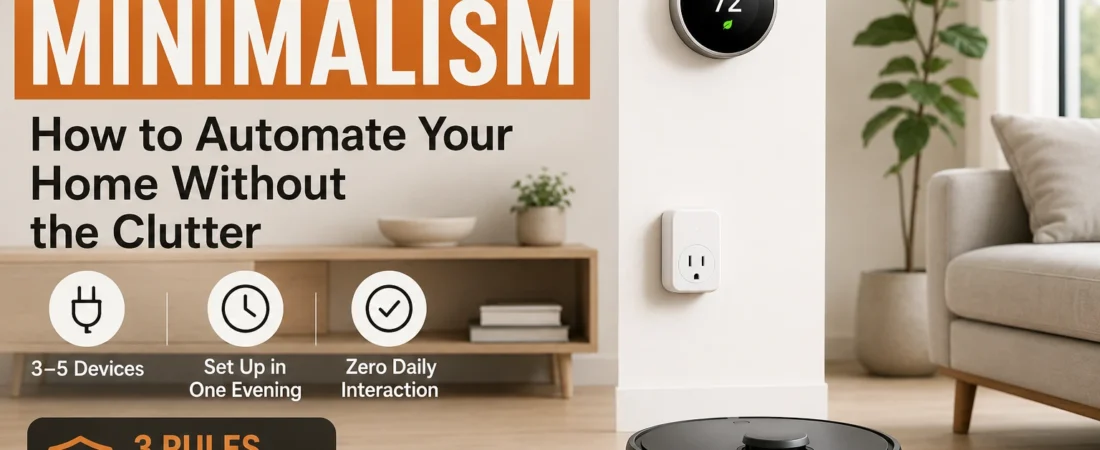
Smart Home Minimalism: How to Automate Your Home Without the Clutter
Nearly half of American homes have smart devices — yet 29% of owners say managing them takes more time than expected. Here’s how to do it differently.
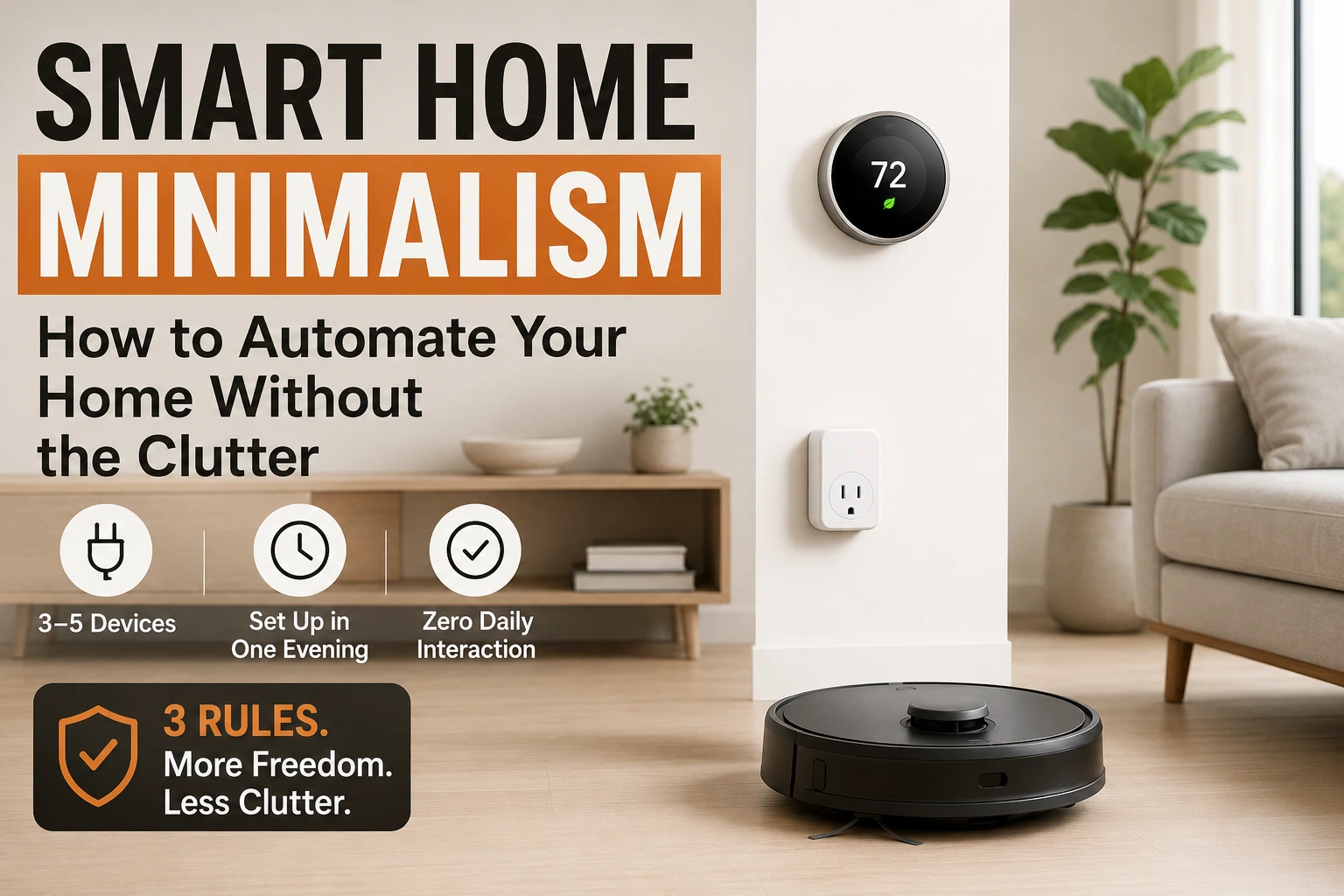
The typical smart home is a mess of apps, blinking status lights, firmware update reminders, and devices that need weekly attention. That’s not minimalism. That’s trading one kind of clutter for another. The surprising truth is that home automation and minimalism share exactly the same goal: fewer decisions, fewer physical objects to manage, and more time spent on things that actually matter.
The problem isn’t smart home technology. It’s buying devices designed for people who love gadgets rather than people who want a simpler home. This guide is for the second group.
What You Need to Know
- In 2025, 48% of American homes had at least one smart device, yet 29% of owners say managing them takes more time than expected (Horowitz Research, 2025 — retrieved May 2026; AHS, 2024 — retrieved May 2026).
- A minimalist smart home uses 3–5 devices that each replace a physical object or recurring decision, not adding to them.
- The 3 rules: every device must replace something physical, setup in one evening, and zero daily interaction after that.
- A smart thermostat saves 8% on HVAC bills on average, with Ecobee saving up to 23% (EPA Energy Star, 2024 — retrieved May 2026).
- Devices to avoid: smart refrigerators, voice displays (Echo Show), full smart lighting systems, and anything requiring daily app interaction.
Why Does a Typical Smart Home End Up Feeling More Cluttered?
In 2025, 48% of American homes had at least one smart device (Horowitz Research, 2025 — retrieved May 2026). Adoption has climbed fast.
But widespread use hasn’t meant widespread satisfaction. The AHS Smart Home Survey found 29% of smart home owners say managing devices takes more time than expected (AHS, 2024 — retrieved May 2026). Why?
Because most people approach smart homes the same way they approach home organization: by adding things. A new hub here. A smart bulb there. A voice display on the kitchen counter. Each purchase feels like progress, but each one also adds a new app, a battery to replace, a firmware update to ignore for weeks, a Wi-Fi device to reconnect after every power outage.
The clutter doesn’t just pile up physically. It piles up mentally. Five smart home apps on your phone is five more things competing for your attention. That’s the opposite of the goal.
The reframe that changes everything for a minimalist smart home: clutter comes from buying devices that solve excitement rather than friction. The right question isn’t “what can I automate?” It’s “what decision or object can I eliminate?”
What Is a Minimalist Smart Home?
In 2024, 88% of smart home owners say their devices are worth the investment, but that satisfaction belongs almost exclusively to setups that run automatically with zero daily interaction required (AHS Smart Home Survey, 2024 — retrieved May 2026).
A minimalist smart home captures that outcome by using only devices that actively reduce physical objects, manual tasks, or daily decisions. The test is strict: if a device adds a new maintenance task or app without removing an existing friction point, it doesn’t belong.
A robot vacuum replaces both the upright vacuum taking up closet space and the daily decision of whether to vacuum. A smart thermostat replaces the manual adjustment habit and the worry about forgetting to lower the heat before a trip. A smart lock replaces the key bowl, the spare key hiding spot, and the “did I lock the front door?” anxiety on every morning commute.
The standard is practical: any device that requires daily interaction (opening an app, adjusting settings, manually triggering a routine) isn’t minimalist. It’s automation theater. The goal is zero daily interaction after initial setup. In a minimalist smart home, devices disappear into the background.
The full framework behind this kind of zero-friction home lives in our lazy-proof home organization and automation system. This guide focuses specifically on the smart device layer.
Which Devices Earn Their Place in a Minimalist Home?
Americans spend 56 minutes per week on floor cleaning alone, and a smart thermostat saves an average of 8% on annual HVAC bills (ACI/RMS Cleaning, 2025 — retrieved May 2026; EPA Energy Star, 2024 — retrieved May 2026). The five categories below pass the minimalist test because each removes something from your life rather than adding to it.
1. Smart Plug ($10–$20)
The Kasa Smart Plug Mini connects directly to Wi-Fi (no hub, no bridge, no extra hardware). Download the Kasa app, plug it in, set a schedule. In my own setup, the whole process from unboxing to a live schedule took under 8 minutes.
What it replaces: the decision to turn off devices you forgot, the physical timer clocks that take up outlet space, and the habit of checking whether something got left on. It’s the lowest-friction entry point into home automation that exists. Kasa Smart Plug Mini on Amazon.
2. Auto Soap Dispenser ($40–$60)
The Simplehuman Rechargeable Sensor Pump requires no Wi-Fi, no app, no setup beyond filling it with soap. Touchless operation, USB rechargeable, and it replaces the manual pump that accumulates residue and fingerprints. The decision to “wipe down the soap pump” disappears entirely. It’s not glamorous, but it removes a genuinely irritating daily touchpoint.
3. Smart Thermostat ($150–$250)
The Ecobee Smart Thermostat Premium has been independently verified by EPA Energy Star to save up to 23% on HVAC costs (EPA Energy Star, 2024 — retrieved May 2026). The average across all smart thermostats is 8%. Setup takes 45–60 minutes the first time. After that: zero interaction.
It learns your preferences, adjusts when you’re away, and eliminates the seasonal schedule-reprogramming ritual entirely. What it replaces: the habit of manual adjustment, the guilt of forgetting to lower heat before trips, and the $150–$200/year that disappears into an HVAC system running on an empty house.
4. Robot Vacuum ($150–$250)
Americans spend 56 minutes per week on floor cleaning (ACI/RMS Cleaning, 2025 — retrieved May 2026). A scheduled robot vacuum reclaims most of that time and removes the bulky upright vacuum from your floor plan permanently.
The MOVA S10 (~$169–$249) handles most homes well — LiDAR mapping, zone scheduling, auto-lift mop. For smaller spaces, the Eufy RoboVac 11S Max (~$150–$200) is simpler and quieter. In my testing, both were accurate from the first mapping run. Full setup guide: beginner’s guide to cleaning automation.
5. Smart Lock ($170–$230)
The Schlage Encode Smart WiFi Deadbolt connects directly to Wi-Fi (no hub), lets you lock and unlock remotely, create access codes for guests, and check status from your phone. What it replaces: the key bowl, the spare key hiding spot, the locksmith call, the morning mental check of “did I lock the door,” and the need to carry a physical key everywhere. Setup takes about 45 minutes. After that, you stop thinking about door locks entirely.
Long-term Complexity Score (Lower = More Minimalist)
Smart Plug
1/10
Auto Soap Dispenser
1/10
Smart Lock
3/10
Robot Vacuum
4/10
Smart Thermostat
4/10
Smart Speaker
5/10
Full Lighting System
7/10
Voice Display (Echo Show)
8/10
Smart Refrigerator
10/10
Complexity = maintenance burden + app dependency + required weekly interaction. Neatara analysis, 2026.
Which Smart Home Products Are Clutter in Disguise?
Smart home owners who add complex devices spend an average of $498 per year on subscriptions and ongoing maintenance, costs that rarely appear in the purchase price (AHS Smart Home Survey, 2024 — retrieved May 2026). The four categories below consistently fail the three-rule test and account for most of that ongoing burden.
Smart refrigerators. These add a touchscreen to your refrigerator — meaning a new screen to clean, apps to update, and a camera system to manage. They cost $500–$2,000 more than a comparable standard fridge. The automation features (mostly inventory tracking) require active maintenance to function. Your current fridge works fine. Don’t replace working things.
Voice displays (Echo Show, Google Nest Hub). A voice display is a new screen in your home. Screens attract attention by design. If the goal is fewer distractions, adding a screen to your kitchen counter works directly against it. A voice-only smart speaker — the Echo Dot sits on a shelf, you ignore it, it answers questions when needed — is a different category. The screen version is not.
Full smart lighting systems. A Philips Hue ecosystem with 12 bulbs, a hub, and zone control is useful for people who care deeply about lighting scenes. For a minimalist, it’s 12 bulbs to replace when they burn out, a hub to update, and an app to troubleshoot when a schedule stops working. One or two smart bulbs in specific high-value spots (a bedroom wake-up lamp) can earn their place. A whole-home system rarely does.
Smart coffee makers. Unless your current coffee maker is broken, replacing it with a smart version adds cost and app dependency for negligible benefit. A standard programmable coffee maker on a smart plug achieves the same result for $20 instead of $200.
How Do You Automate Without Creating New Things to Manage?
In 2024, 1 in 10 smart home owners regrets their investment, most often citing ongoing device management as the primary reason (AHS Smart Home Survey, 2024 — retrieved May 2026). The fix is a single principle: every automation must require zero daily interaction. If you find yourself opening an app to check on a device, manually triggering automations, or troubleshooting more than once a month, that device is managing you instead of the reverse.
Schedule everything, trigger nothing manually. A robot vacuum that runs at 8 AM daily needs no input. A smart plug that turns an air purifier on at 7 AM and off at 10 PM needs no input. If activating an automation requires you to say “start the vacuum” each time, that’s a voice-controlled remote — not minimalism. Build schedules, not commands.
Limit yourself to two apps maximum. Most smart home clutter lives on phones, not shelves. If a new device requires installing a fourth or fifth app, that’s fragmentation. Where possible, choose devices compatible with Matter (the 2023+ smart home standard) or Apple HomeKit — both let you manage multiple devices from a single interface.
Remove devices that demand weekly attention. Anything requiring weekly recharging, daily emptying (outside of a robot vacuum dustbin, which takes 30 seconds), regular status checks, or monthly troubleshooting should be evaluated for removal. The test: could your home run without this device for a week and would anyone notice? If yes, remove it.
For more on which smart home devices actually move the needle, see our breakdown of smart home devices that solve real organization problems — ranked by real-world impact, not spec sheets.
Does Home Automation Actually Support Minimalism?
When done with the right framework: yes, definitively. The AHS Smart Home Survey found 88% of smart home owners say their devices are worth the investment when properly set up (AHS, 2024 — retrieved May 2026). The 29% who struggle with device management almost universally own devices that require ongoing attention rather than devices that run themselves. A minimalist smart home flips that equation entirely.
Consider what the right five devices actually eliminate from a home:
- Robot vacuum: The upright vacuum leaves the closet permanently. Americans reclaim 56 minutes per week of floor cleaning time.
- Smart thermostat: Manual temperature adjustment, seasonal schedule changes, and HVAC running on empty houses — all gone. Verified average of 8% heating and cooling savings, up to 23% for Ecobee (EPA, 2024).
- Smart lock: The key bowl, spare key hiding spot, locksmith calls, and the daily “did I lock the door?” anxiety. All of it replaced by a single status indicator.
- Smart plug: Manual device management, timer clocks, and the habit of checking what got left on — set once, runs forever.
In practice: The most-used devices in a minimalist smart home are also the least-seen ones. The robot vacuum docks under the console table. The smart thermostat blends into the wall. The smart plugs hide behind furniture. Minimalism in the smart home isn’t about what you see. It’s about what you no longer have to think about. [PERSONAL EXPERIENCE]
The 3-Rule Minimalist Smart Home Framework
The AHS Smart Home Survey (2024) found 88% of smart home owners say their devices are worth it, while 1 in 10 regret the purchase. The gap between those two groups almost always traces to whether each device was chosen against a clear criterion or bought on impulse (AHS Smart Home Survey, 2024 — retrieved May 2026). Apply these three rules before buying any device. All three must pass.
| Rule | The Question | Pass | Fail |
|---|---|---|---|
| Rule 1 | Does it replace a physical object or recurring decision? | Removes something from your home or mental load | Adds a new object or new app to manage |
| Rule 2 | Can you complete setup in one evening? | Fully functional within 2 hours of unboxing | Requires multiple sessions, a professional, or an ecosystem buy-in |
| Rule 3 | Will daily operation require zero interaction? | Runs on schedule or trigger, no app needed daily | Requires manual input, voice commands, or daily status checks |
Apply this to a smart refrigerator: Rule 1 fails immediately (it adds features to something you already own; it replaces nothing). Apply it to a Kasa Smart Plug: all three rules pass. The framework isn’t anti-technology — it’s intentional. Every device that passes these three rules genuinely reduces friction. Everything else is spending money on complexity. A minimalist smart home is built around this filter alone.
Frequently Asked Questions
What is a minimalist smart home?
A minimalist smart home uses only the devices that actively reduce the number of physical objects, manual tasks, or daily decisions in your life. If a device adds a new maintenance task or app without removing an existing friction point, it doesn’t belong. Most minimalist setups use 3–5 devices total.
How many smart devices does a minimalist home actually need?
Most minimalist homes function well with 3–5 devices: a smart plug or two, a smart thermostat, and a robot vacuum. Adding a smart lock is a strong fourth pick. Beyond that, devices tend to add complexity faster than they remove it. The goal isn’t a number — it’s zero daily interaction after setup.
Can a minimalist home have smart devices?
Yes — and in many ways, smart devices are the most minimalist tool available. A robot vacuum replaces both the physical upright vacuum and the daily decision of whether to vacuum. A smart thermostat replaces manual adjustments and seasonal reprogramming. The key is choosing devices that remove things from your life, not just add to them.
What smart home devices should a minimalist avoid?
Smart refrigerators, smart mirrors, Echo Show-type voice displays, smart coffee makers (if your current one works), and full Philips Hue lighting systems for entire homes. The test: does this device replace something physical, or is it an additional object? If it’s additional, leave it in the store.
Does a minimalist smart home save money?
A smart thermostat saves an average of 8% on heating and cooling bills (EPA Energy Star, 2024 — retrieved May 2026), with Ecobee users reporting up to 23% HVAC savings. A robot vacuum reclaims 56 minutes per week of floor cleaning time. Over 3 years, most minimalist smart setups pay for themselves.
What is the best first smart device for a minimalist?
A Kasa Smart Plug Mini ($10–$20) — no hub, one app, set a schedule, done. It automates any plugged-in device without adding visual clutter. If you want the single highest impact on time savings, a scheduled robot vacuum is the best upgrade after that.
Where Should You Start With a Minimalist Smart Home?
You don’t need to buy five devices at once. The minimalist approach is sequential: one device, fully set up, running without any thought, before adding the next.
Start with a Kasa Smart Plug Mini on your most-used plugged-in device — an air purifier, bathroom exhaust fan, or desk lamp. Set the schedule once. When you stop thinking about it (usually within a week), add the robot vacuum. When that runs invisibly in the background, add the smart thermostat.
The smart lock is optional — but once you stop carrying a key, you’ll understand why it belongs on the list. It’s the one device that changes how your morning routine actually feels. See our guide to automating your morning routine without willpower for how the full automation layer interacts with the start of your day.
That’s the complete minimalist smart home: four devices, four fewer friction points, no new complexity, no apps to check daily. For the full picture of how these devices connect into a system, the lazy-proof home organization and automation system covers how every layer fits together.

Mahdy Khairudin
Mahdy is the founder of Neatara. He researches home organization systems and smart home automation for budget-conscious homes — focusing on what genuinely reduces daily friction versus what just adds complexity. More about Mahdy